How to Create Better Instagram Posts Without Hiring a Designer
How to Create Better Instagram Posts Without Hiring a Designer
You don't need to be a professional designer to create Instagram posts that look clean and consistent. For small businesses and creators, the key is not making every post complicated. It's about using a simple visual system that you can repeat.
Start With a Clear Purpose
Before opening a design tool, decide what the post needs to communicate.
Is it announcing a product, sharing a tip, promoting an offer, or educating your audience? One post should have one main message. Trying to fit too much information into a single design usually makes it difficult to read.
Use One Strong Visual
Choose one good product photo, lifestyle image, or relevant graphic instead of filling the design with too many elements.
A clear image with enough empty space can often look more professional than a crowded design.
If your product photo has a distracting background, you can remove it and place the product on a cleaner layout.
Keep Your Text Short
People scroll quickly on Instagram. Long paragraphs on the image can be difficult to read.
Use a short headline and, whe
n necessary, a smaller supporting line. Put the detailed explanation in the caption instead.
For example, instead of writing a full paragraph about a product, use a simple headline such as:
Made for Everyday Use
Then explain the features in the caption.
Choose Two or Three Fonts
Using too many fonts can make a post look unorganized. Pick one font for headlines and another for supporting text.
You can also use different font weights of the same typeface to create hierarchy without making the design complicated.
Use Consistent Colours
Your Instagram page should feel like one brand.
Choose a small colour palette and reuse it across your posts. This doesn't mean every post needs to look identical. You can change the layout and images while keeping a few visual elements consistent.
Use Templates to Save Time
If you regularly create posts, don't start from zero every time.
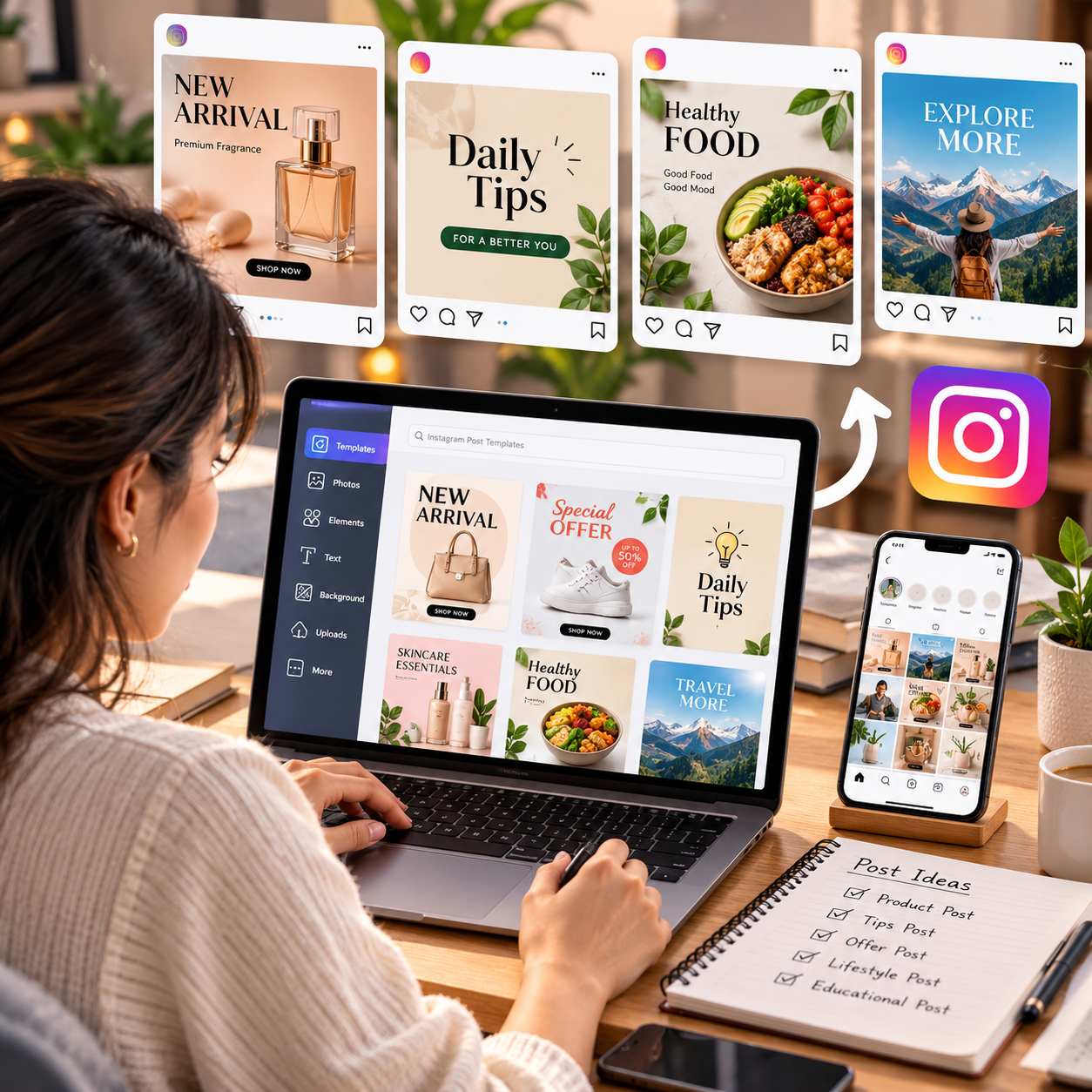
Create a few basic templates for product announcements, educational posts, offers, testimonials, and tips. Once the structure is ready, you only need to replace the image and text.
This can save a lot of time when you're managing social media yourself.
Check the Design on Your Phone
A design may look perfect on a large computer screen but become difficult to read on a smartphone.
Before posting, open the design on your phone and check the text size, image quality, spacing, and overall balance.
Final Thoughts
Creating better Instagram posts without a designer is mainly about having a simple process.
Start with one clear message, use a strong image, keep text short, maintain consistent colours and fonts, and create reusable templates.
You don't need every post to look complicated. A clean design that people can understand in a few seconds is often more effective.