How to Remove Background from Product Photos in Seconds
The Right Image Size for Amazon Product Listings
A product image is one of the first things shoppers notice on an Amazon listing. If the image looks blurry, poorly cropped, or too small, even a good product can lose its impact.
Choosing the right Amazon product listing image size is therefore an important part of preparing your listing.
Start With a High-Resolution Image
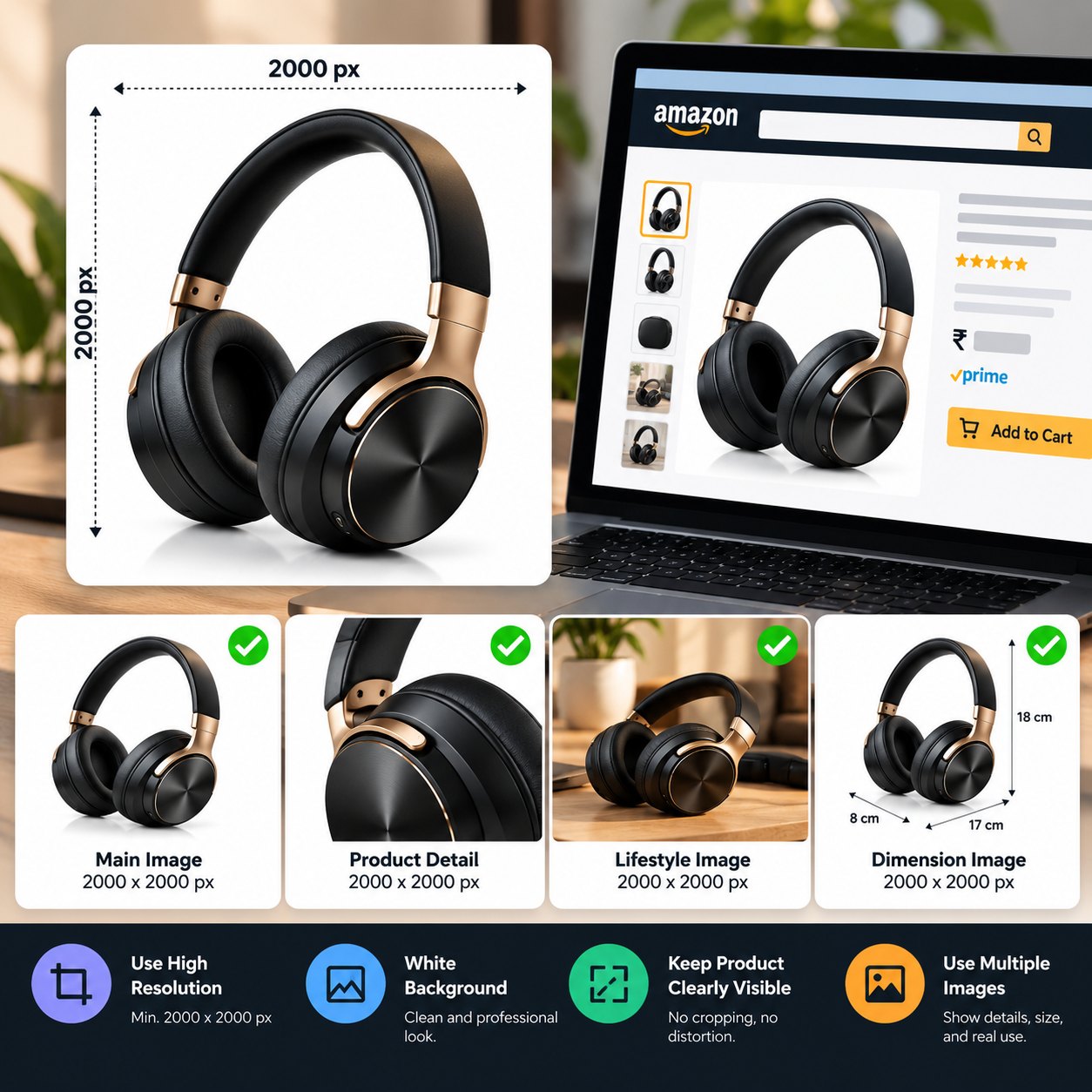
For Amazon product listings, it's better to start with a high-resolution product photo rather than a small image. A larger original gives you more flexibility when cropping and editing without making the final image look blurry.
Your main product image should clearly show the complete product and should not be unnecessarily cropped.
Keep the Product Easy to See
Image dimensions are important, but composition matters too. Don't fill the entire frame so tightly that parts of the product appear cut off.
At the same time, avoid leaving too much empty space around the product. The product should be large enough for shoppers to understand what they're looking at.
Use a Clean Background
For the main product image, a clean white background is commonly used on Amazon. This keeps attention on the product and gives different listings a consistent appearance.
If your original photo has a messy background, you can use a background remover to create a cleaner version before uploading it.
Don't Stretch or Distort the Image
Changing the image dimensions without maintaining the original proportions can make products look wider, taller, or simply unnatural.
Always preserve the aspect ratio when resizing. If you need a different canvas size, add space around the product instead of stretching it.
Prepare Images for Different Uses
Your Amazon listing may need more than one image. Along with the main product photo, additional images can show product details, dimensions, features, packaging, or the product being used.
Create these images at a consistent quality and resolution so the complete listing feels professional.
Final Check Before Uploading
Before publishing, zoom into the final image and check for blur, unwanted objects, rough edges, incorrect colors, and poor cropping.
A properly sized image won't fix a weak product photo by itself. Good lighting, clear composition, accurate colors, and high-quality editing still matter.
The goal is simple: make the product easy to see, understand, and trust.