How to Blur Background in an Image Online (Easy Guide for Beginners)
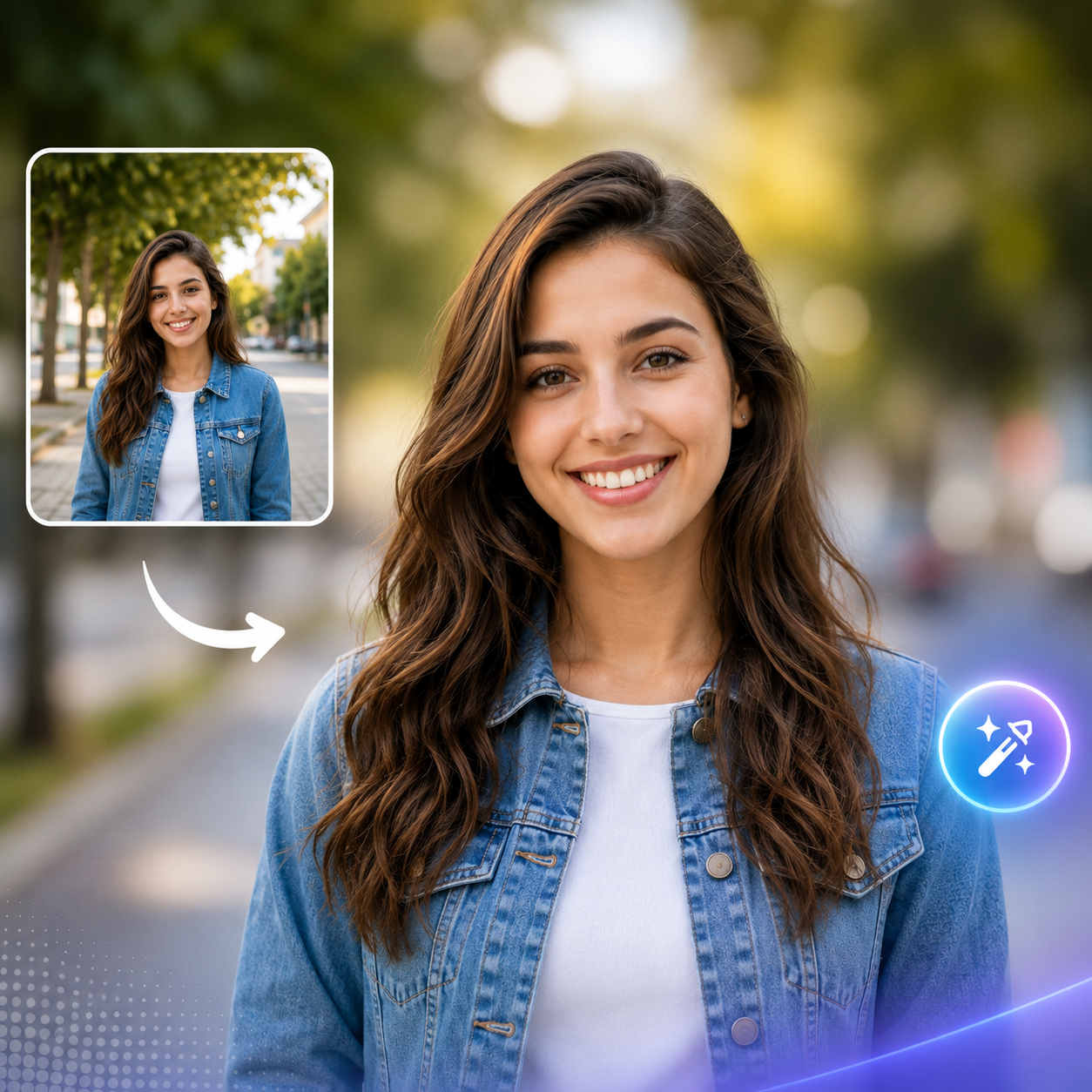
A blurred background can instantly make any photo look more professional. Whether you're editing a portrait, showcasing a product, creating social media content, or designing marketing materials, background blur helps draw attention to the main subject while reducing distractions. In the past, achieving this effect required professional cameras or advanced editing software. Today, AI-powered online tools allow anyone to blur an image background in just a few clicks—no design experience needed.
Blurring the background is a popular editing technique because it creates a clean, visually appealing look. Portrait photographers use it to highlight faces, online sellers use it to emphasize products, and content creators rely on it to make thumbnails and social media posts more eye-catching. By softening the background, the subject becomes the clear focal point of the image, making it more engaging for viewers.
Creating a blurred background online is simple. Start by uploading your image to an AI-powered background blur tool. The AI automatically detects the main subject and separates it from the background. Once the subject is identified, you can adjust the blur intensity to achieve the desired effect. A subtle blur creates a natural appearance, while a stronger blur can produce a dramatic, professional-style portrait. After previewing the result, download the edited image in high quality.
One of the biggest advantages of AI background blur is speed. Instead of manually selecting the subject and applying editing effects, AI completes the process in seconds while maintaining clean edges around the subject. This saves time and delivers consistent, professional-quality results without requiring expensive software like Photoshop.
To achieve the best results, use a high-resolution image with good lighting and a clearly visible subject. Photos where the subject is well separated from the background allow AI to create more accurate and natural-looking blur effects. Before downloading, always preview the image to ensure the blur appears smooth and the subject remains sharp.
Many beginners make the mistake of applying too much blur, making the image look artificial. Others use low-quality photos that produce less accurate results. Finding the right balance between subject sharpness and background softness creates a more realistic and visually pleasing image.
AI-powered background blur tools are useful for many different purposes. Content creators can design better YouTube thumbnails and Instagram posts, businesses can create professional product images, photographers can enhance portraits, and marketers can produce visually attractive advertisements. The ability to blur backgrounds quickly makes AI tools valuable for anyone working with digital images.
As AI technology continues to improve, creating DSLR-style background blur has become easier than ever.
What once required expensive camera equipment or advanced editing skills can now be achieved online within seconds. Whether you're a beginner or a professional, AI background blur tools help you create polished, high-quality images with minimal effort.
If you're looking for a fast and simple way to blur the background in an image online, AI-powered editing tools are the perfect solution. They combine speed, accuracy, and ease of use, allowing you to create professional-looking photos for websites, social media, eCommerce stores, presentations, and marketing campaigns without any technical expertise.